On this phone only
No iCloud of vault files, no account, no analytics. Import from Photos or Files, or send from a browser on the same Wi‑Fi.
 Keepshire
iPhone and iPad · iOS 18.5+
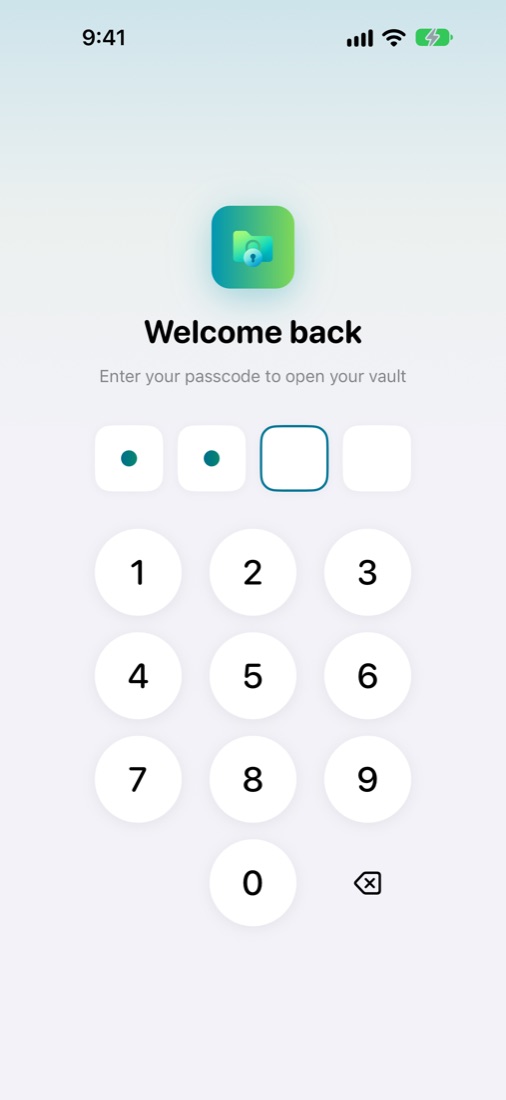
Keepshire is a private vault with no account and no cloud. A passcode or password unlocks it, Face ID is optional, and files stay encrypted on your device.
A vault that works like the rest of iOS, with nothing sent anywhere.
No iCloud of vault files, no account, no analytics. Import from Photos or Files, or send from a browser on the same Wi‑Fi.
Choose a 4-digit or 6-digit passcode, or a password. Optional Face ID / Touch ID, and an optional recovery key in case you forget. Auto-lock when the app goes to the background.
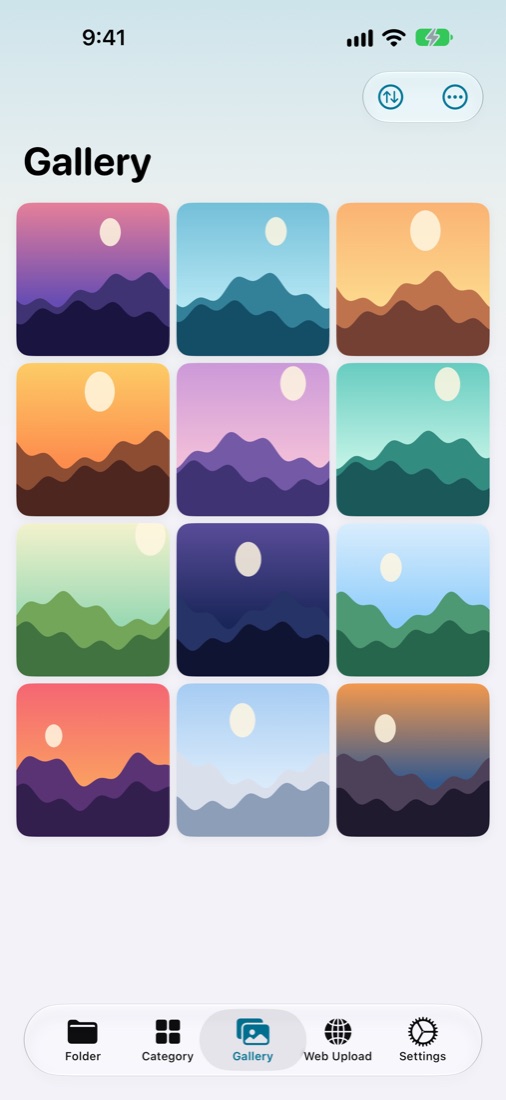
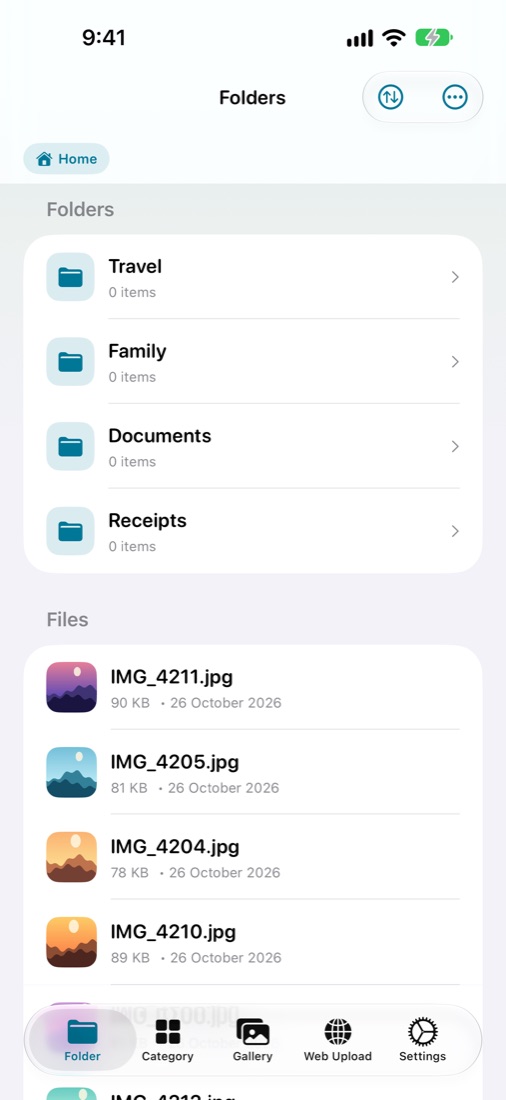
Nested folders, search, favorites, and previews for photos, video, audio, PDF, and other documents.
Optional HTTPS server on your local network. Pair with a 6-digit code. Downloads need Face ID or your vault credential.
Screenshot blanking, App Switcher cover, optional recording overlay, shake or flip to lock, and a decoy credential that opens an empty screen.
A full-width gallery and full-screen viewer with pinch, double-tap, and swipe on both, plus sidebars for folders and categories on iPad.
A short PIN can still be guessed. The decoy does not hide files from a backup or a filesystem dump. Screenshots of the vault are blank; they are not impossible. If you forget your passcode, only your recovery key can open the vault; without either, your files cannot be recovered.
Unlocking, Web Upload certificates, and the decoy credential are covered in the support guide.